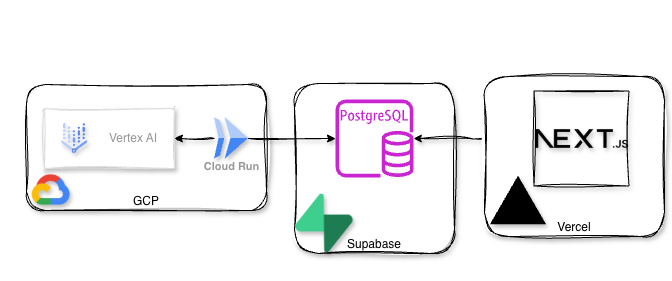
I have a little project I’m working on playing with, MentionVault.com. It’s a platform that allows you to look for guests on various podcasts and what was mentioned in each episode. So I was thinking, I can’t be that shoeless cobbler, how come I have an application and don’t have any Observability for it?! That’s how I decided to try a Splunk O11y deployment for my app.
Tag Archives: GCP
Choosing a Cloud Provider for a Bootstrapped StartUp
There are many different options for Funded start-ps to get free credits from various cloud providers, but choosing a cloud provider for a Bootstrapped startup is a bit harder.
Some might have already a preference towards one cloud provider over another (based on their experience or other factors), but here I’m trying to compare them from a pure “free cloud provider credits for a bootstrapped startup” perspective,
Continue reading Choosing a Cloud Provider for a Bootstrapped StartUp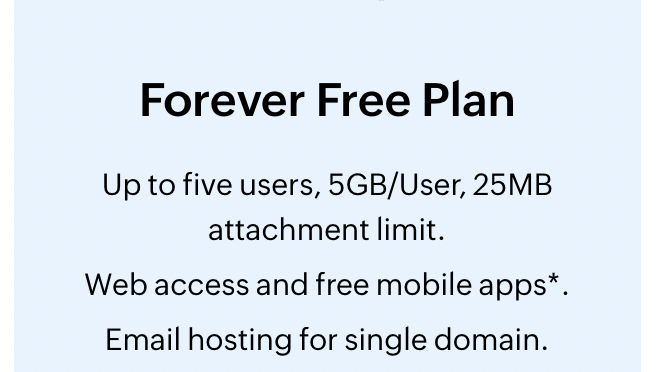
How to set up Zoho Mail with your own domain
Recently Google has announced that Workspaces will be paid if you want to be able to use the email function of workspaces. So I was looking for some free alternatives and stumbled upon Zoho Mail. I will show you step-by-step how to set up Zoho Mail with your own domain.
Psst! Need a new domain? Try Namecheap
Continue reading How to set up Zoho Mail with your own domain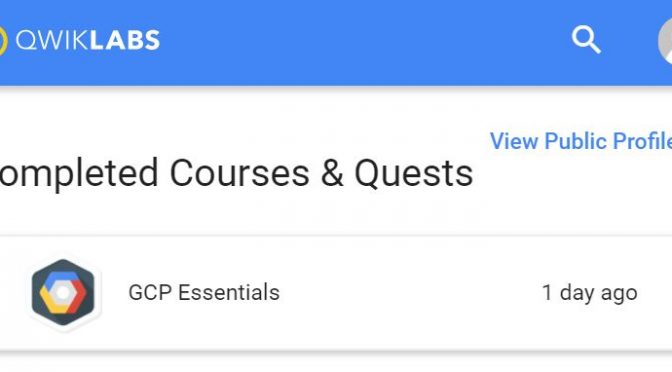
Completing the GCP Essentials quest on my daily commute
Everyone attending the Google Cloud OnBoard in Sydney.had got an opportunity to get the GCP Essentials badge by completing a QwikLabs quest for free. I don’t have much time during the day or evening when at home, so I’ve decided I’ll complete the GCP Essentials quest on my daily commute to work.
Continue reading Completing the GCP Essentials quest on my daily commute
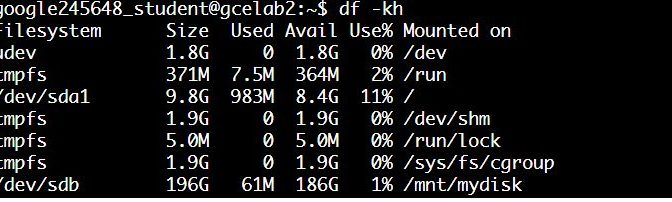
Qwiklabs – GCP Essentials – Creating a Persistent Disk – Extending the lab
I really enjoyed the Qwiklabs – GCP Essentials – Creating a Persistent Disk lab, but I think Qwiklabs could extend the lab a bit further by showing how the disk is persistent by blowing away a VM, starting a new one and reattaching the disk. So I decided to try it. You can follow the steps below to do just that.
Continue reading Qwiklabs – GCP Essentials – Creating a Persistent Disk – Extending the lab
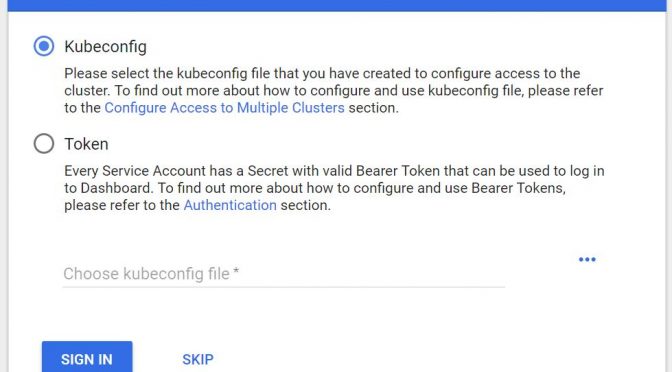
Qwiklabs – GCP Essentials – Hello Node Kubernetes – Getting the Kubernetes Dashboard Token
The “Hello Node Kubernetes” lab went up until the point where I was supposed to browse to UI. I was required to provide the Kubernetes Dashboard Token
The lab says to run the gcloud container clusters get-credentials command and then to start the proxy kubectl proxy –port 8081 after which you should be able to access the Kubernetes Dashboard UI at https://<YOUR_SPECIFIC_URL>.appspot.com/ui,
Qwiklabs – GCP Essentials – Compute Engine Qwik Start – Windows Tips
After finishing the Qwiklabs – GCP Essentials – Creating a Virtual Machine lab I was going over the “Compute Engine Qwik Start – Windows” one and stumbled open a few misalignment between the lab and the actual environment.
Continue reading Qwiklabs – GCP Essentials – Compute Engine Qwik Start – Windows Tips

Qwiklabs – GCP Essentials – Creating a Virtual Machine stuck on 10/15 points
I was using Qwiklabs to learn a bit about Google Cloud Platform (GCP) and started the GCP Essential quest.
During the 1st lab (Creating a Virtual Machine) I got stuck on 10/15 points, despite the fact that I thought I’ve completed all the steps as required.
Continue reading Qwiklabs – GCP Essentials – Creating a Virtual Machine stuck on 10/15 points