https://isbyrtimferris.glideapp.io/
Continue reading Books, Movies and other items mentioned in Tim Ferris Blog and Podcast
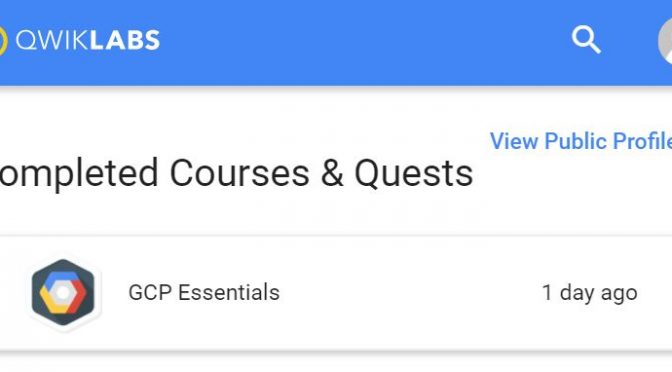
Everyone attending the Google Cloud OnBoard in Sydney.had got an opportunity to get the GCP Essentials badge by completing a QwikLabs quest for free. I don’t have much time during the day or evening when at home, so I’ve decided I’ll complete the GCP Essentials quest on my daily commute to work.
Continue reading Completing the GCP Essentials quest on my daily commute
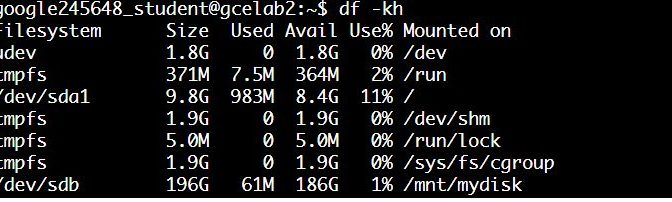
I really enjoyed the Qwiklabs – GCP Essentials – Creating a Persistent Disk lab, but I think Qwiklabs could extend the lab a bit further by showing how the disk is persistent by blowing away a VM, starting a new one and reattaching the disk. So I decided to try it. You can follow the steps below to do just that.
Continue reading Qwiklabs – GCP Essentials – Creating a Persistent Disk – Extending the lab
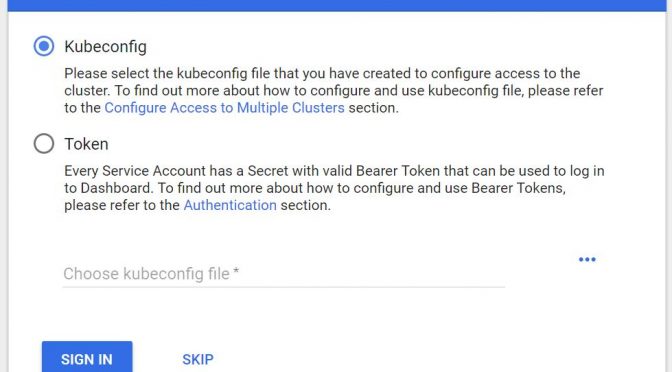
The “Hello Node Kubernetes” lab went up until the point where I was supposed to browse to UI. I was required to provide the Kubernetes Dashboard Token
The lab says to run the gcloud container clusters get-credentials command and then to start the proxy kubectl proxy –port 8081 after which you should be able to access the Kubernetes Dashboard UI at https://<YOUR_SPECIFIC_URL>.appspot.com/ui,
After finishing the Qwiklabs – GCP Essentials – Creating a Virtual Machine lab I was going over the “Compute Engine Qwik Start – Windows” one and stumbled open a few misalignment between the lab and the actual environment.
Continue reading Qwiklabs – GCP Essentials – Compute Engine Qwik Start – Windows Tips
I was using Qwiklabs to learn a bit about Google Cloud Platform (GCP) and started the GCP Essential quest.
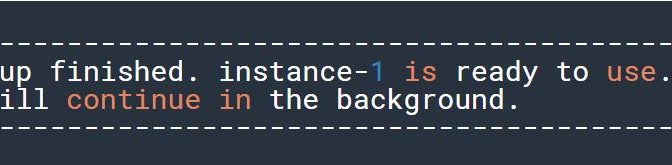
During the 1st lab (Creating a Virtual Machine) I got stuck on 10/15 points, despite the fact that I thought I’ve completed all the steps as required.
Continue reading Qwiklabs – GCP Essentials – Creating a Virtual Machine stuck on 10/15 points
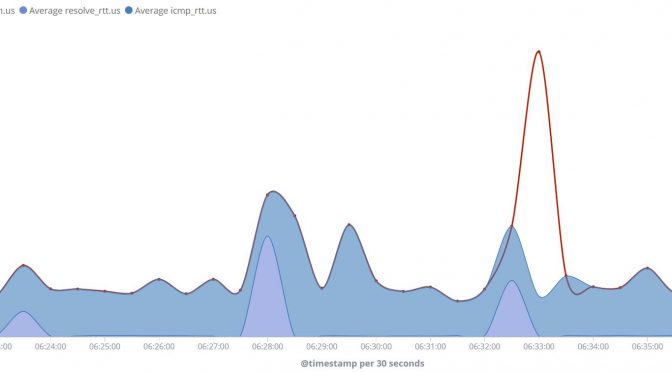
Continue reading Understanding Elastic Heartbeat time metrics – ICMP
I’ve played recently with Samsung Galaxy TabPro S and liked it very much, especially its screen. However one thing was driving me crazy – the auto dimming of the screen.
Continue reading Samsung Galaxy TabPro S screen dimming settings
Occasionally when creating SiteScope JMX monitors you might want to verify connectivity or to troubleshoot remote JMX RMi connection. You might also want to be able to provide a tool to the (monitored target) Java application team to try the connectivity locally on the target server.
jmxsh is a command line utility that allows you to connect to (local or remote) JMX and browse the counters. Continue reading Use jmxsh – JMX CLI tool – to troubleshoot remote JMX RMI connection
Sometimes you would want to copy PuTTY hosts SSH keys between different users or machines. Having the keys stored will prevent the pop-up message in PuTTY (or Plink/PSCP) when you try to connect to the remote host for the first time.
Continue reading How to copy PuTTY SSH Hosts Keys between different users/machines on Windows