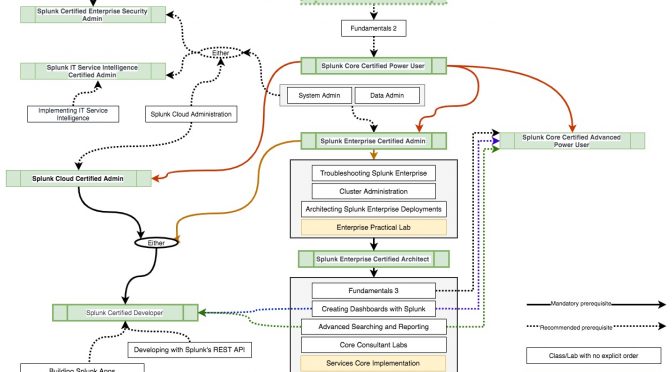
So here is my understanding of the current Splunk Certification Tracks.
Of course you can go to the “source” https://www.splunk.com/en_us/training.html , but may be that visual representation will help someone Continue reading Splunk Certification Tracks→
index=_internal
host IN(SH1,SH2,SH3)
sourcetype=splunkd_access
user != "-"
clientip != "IP_of_SH1" clientip != "IP_of_SH2" clientip != “IP_of_SH3”
NOT TERM(127.0.0.1)
NOT TERM(splunk-system-user)
| stats values(clientip) by user
The limitation is if the users are going via a Load Balancer, you will see Load Balancer’s IP as the clientip
I’ve had a chance to got SplunkLive! in Sydney this year.
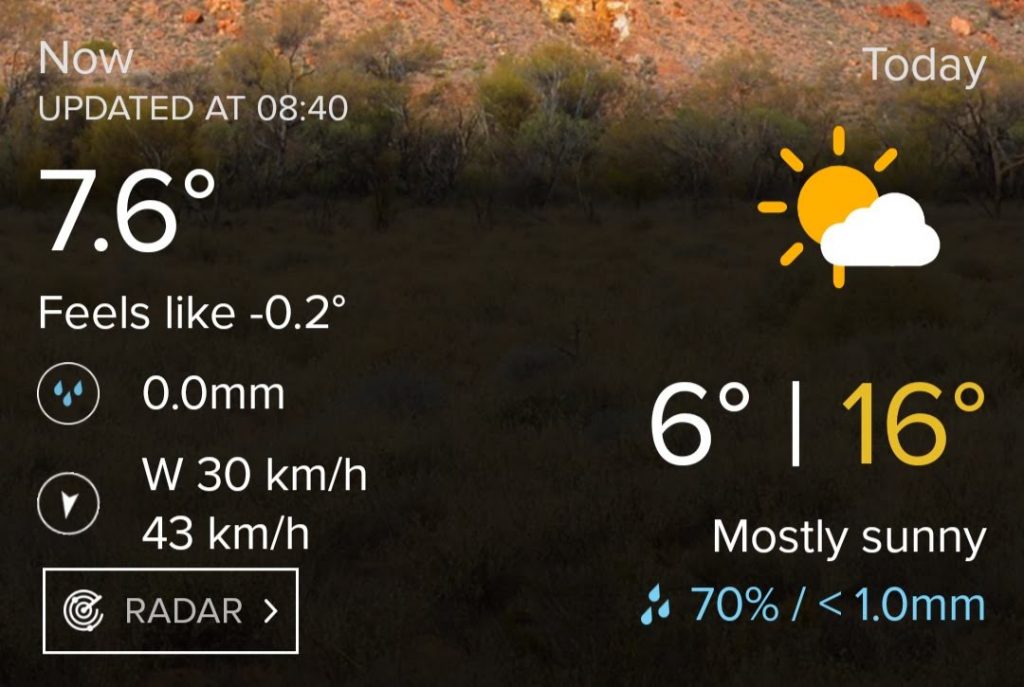
It was freezing (by Sydney standards) 7.6 with winds which felt like -0.2 according to weatherzone app on my phone and my face.
So I wouldn’t have minded if the event turned out to be a total disaster, as long as they would have served coffee and it was warm inside, but it turned out to be quite interesting.
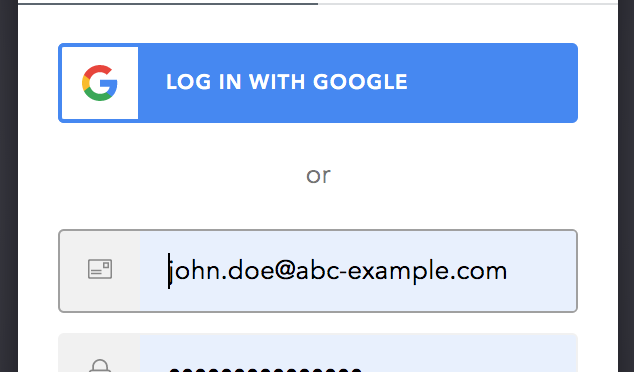
I had to work on Splunk SSO Integration and since had never touched SSO/SAML before, I wanted to play with it a little bit on my machine. I’ve decided to use Oath0 as my IdP
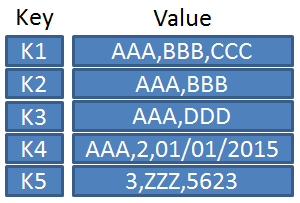
I’ve started working with Splunk KV store for one of my recent projects. It is a robust system with an extensive API. since I was learning and documenting my fundings anyway I thought, why not put up a blog post about how to manage Splunk KV Store using REST API.