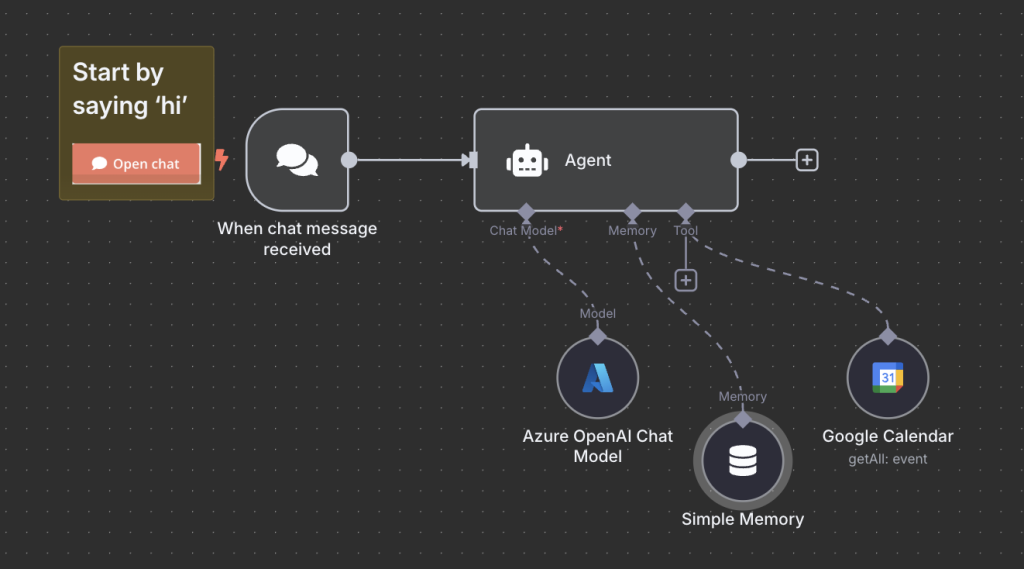
I started playing with n8n.io, specifically with the “My first AI Agent in n8n” workflow that comes OOTB.
I didn’t have OpenAI subscription, but I do have an Azure subscription and Azure OpenAI deployment to play with, so I replaced the “standard” OpenAI node with the Azure OpenAI one.
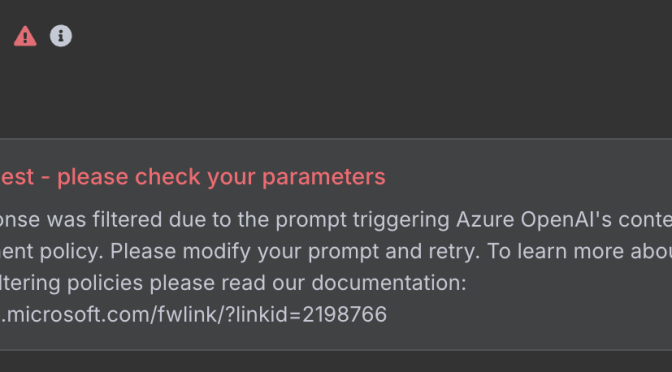
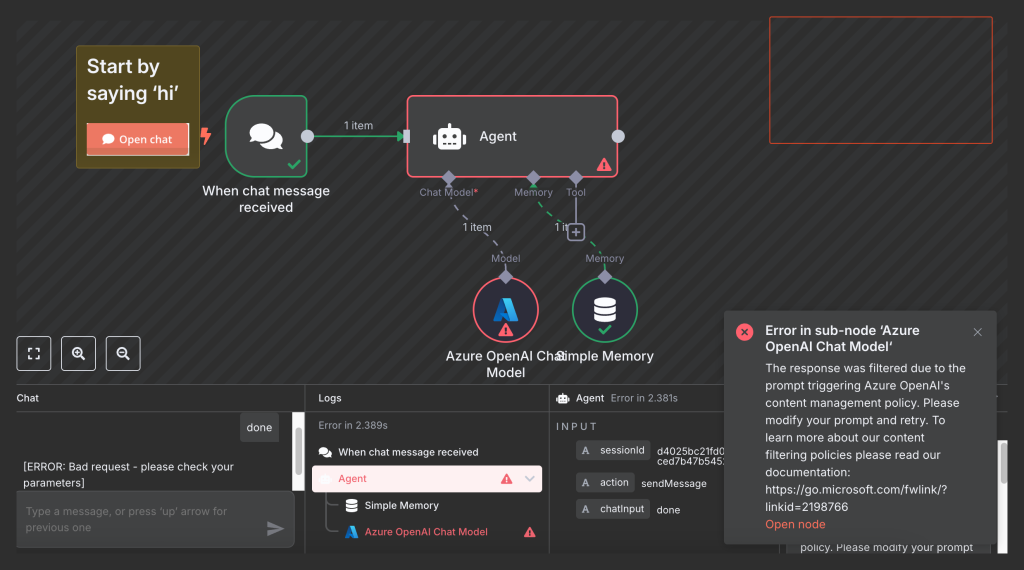
But when I started the execution, the Azure OpenAI Chat Model node threw an exception, straight in my face: “The response was filtered due to the prompt triggering Azure OpenAI’s content management policy.”.
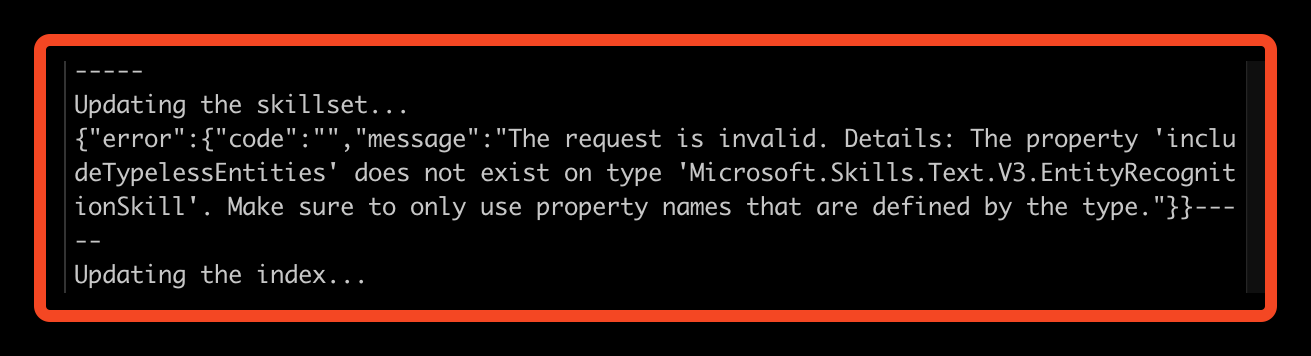
I tried to follow the “Create a Custom Skill for Azure AI Search” but it failed with this error “The request is invalid. Details: The property ‘includeTypelessEntities’ does not exist on type ‘Microsoft.Skills.Text.V3.EntityRecognitionSkill’. Make sure to only use property names that are defined by the type.”
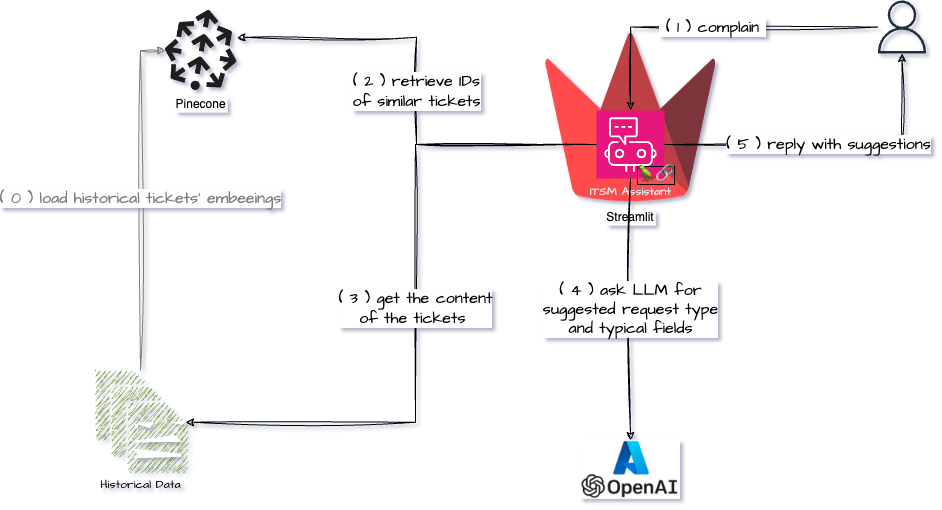
I am learning about different concepts and architectures used in the LLM/AI space and one of them is Retrieval-Augmented Generation. As always I prefer learning concepts by tinkering with them and here is my first attempt at learning about RAG and Vector Databases.
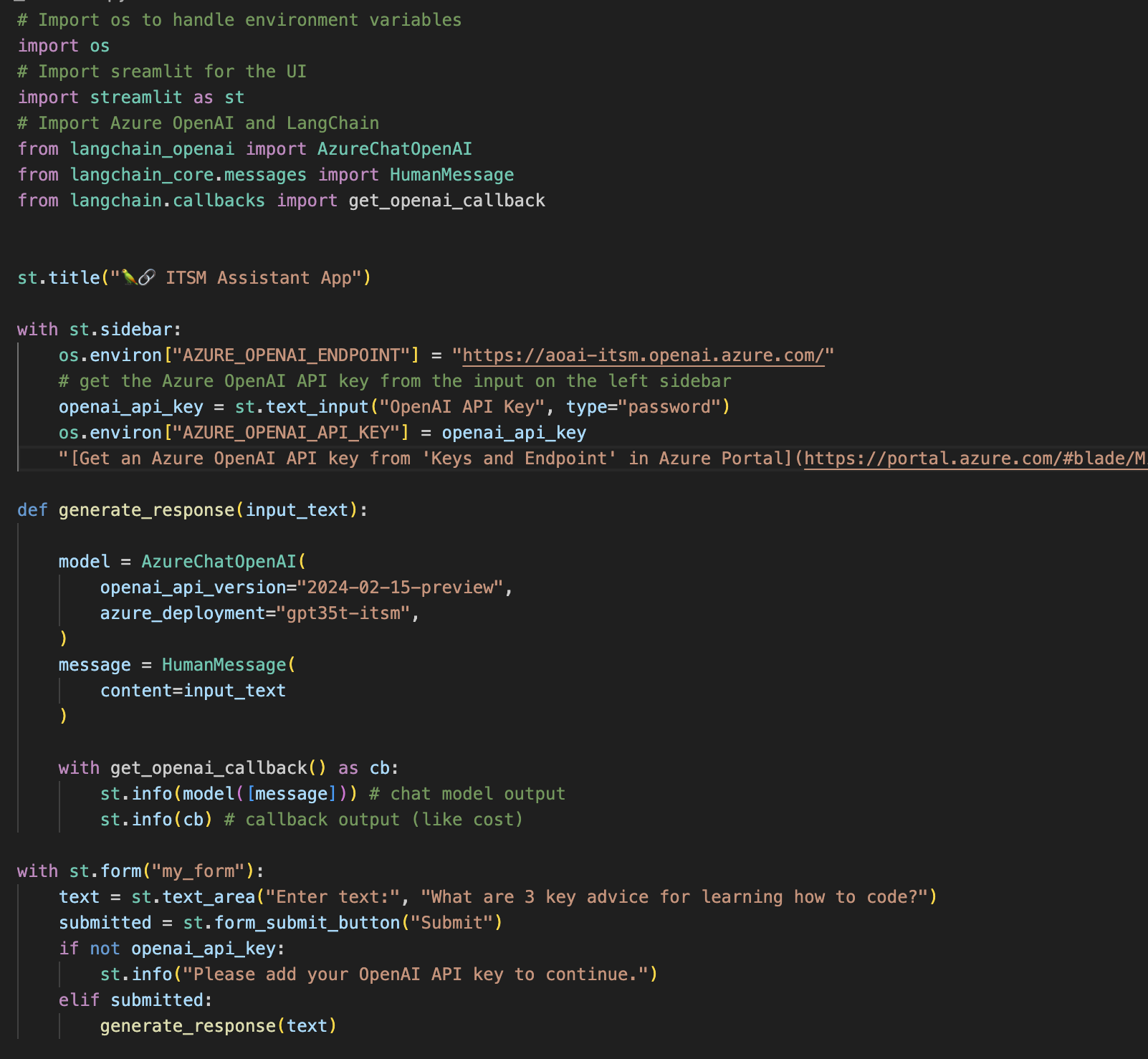
While there is a QuickStart example on the Streamlit site that shows how to connect to OpenAI using LangChain I thought it would make sense to create Streamlit Langchain Quickstart App with Azure OpenAI.
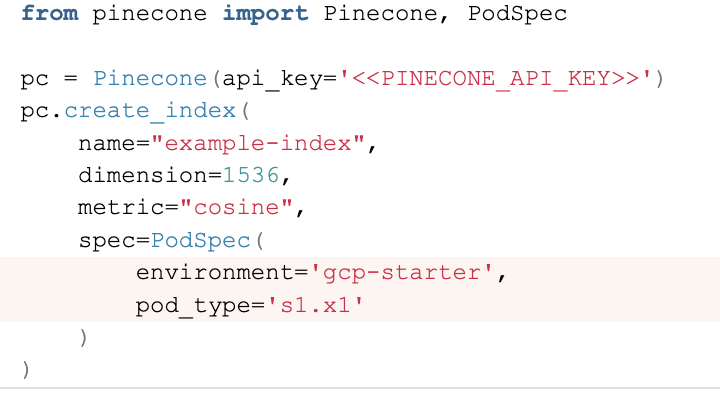
Pinecone documentation is quite good, but when I wanted to create a free pod index in Pinecone using Python, I didn’t know what parameters I should supply.
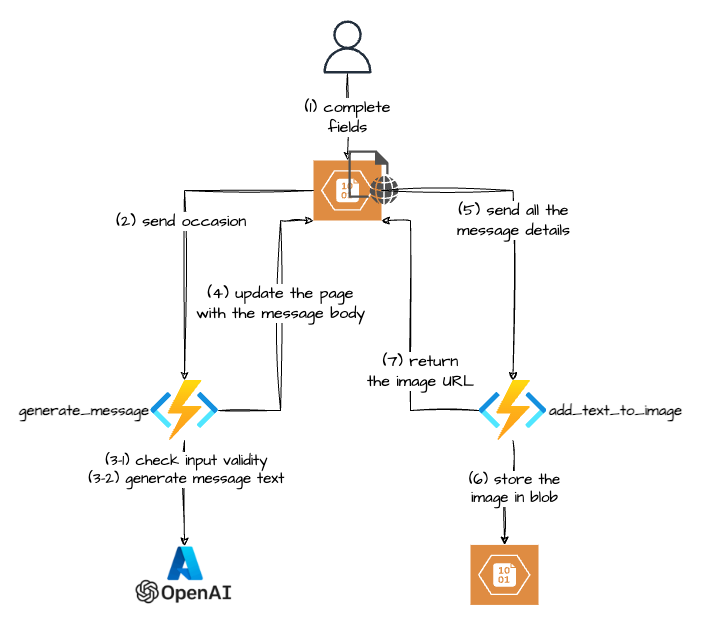
A couple of months ago my wife asked me if I could build her “something” to create a nice image with some thank-you text that she could send to her boutique customers. This is how my first GenAI use-case was born :-).
There are probably definitely services that can do it, but hey that was an opportunity to learn, so I jumped straight into it.
The Gen AI part turned out to be the easy one, but if you want to skip the rest you can jump straight to it.
Sometimes when using Azure AI Python SDK you will not get the expected result, meaning that the reason property of theresult of the analyze method of the ImageAnalyzer class the property will not be equal to sdk.ImageAnalysisResultReason.ANALYZED.
I was trying to update my Azure Language service to enable Custom text classification / Custom Named Entity Recognition. That feature requires a storage account. While you are supposed to be able to create the storage account when you enable the feature it didn’t work for me 🙁 (I was getting an “Invalid user storage id or storage type is not supported” error).
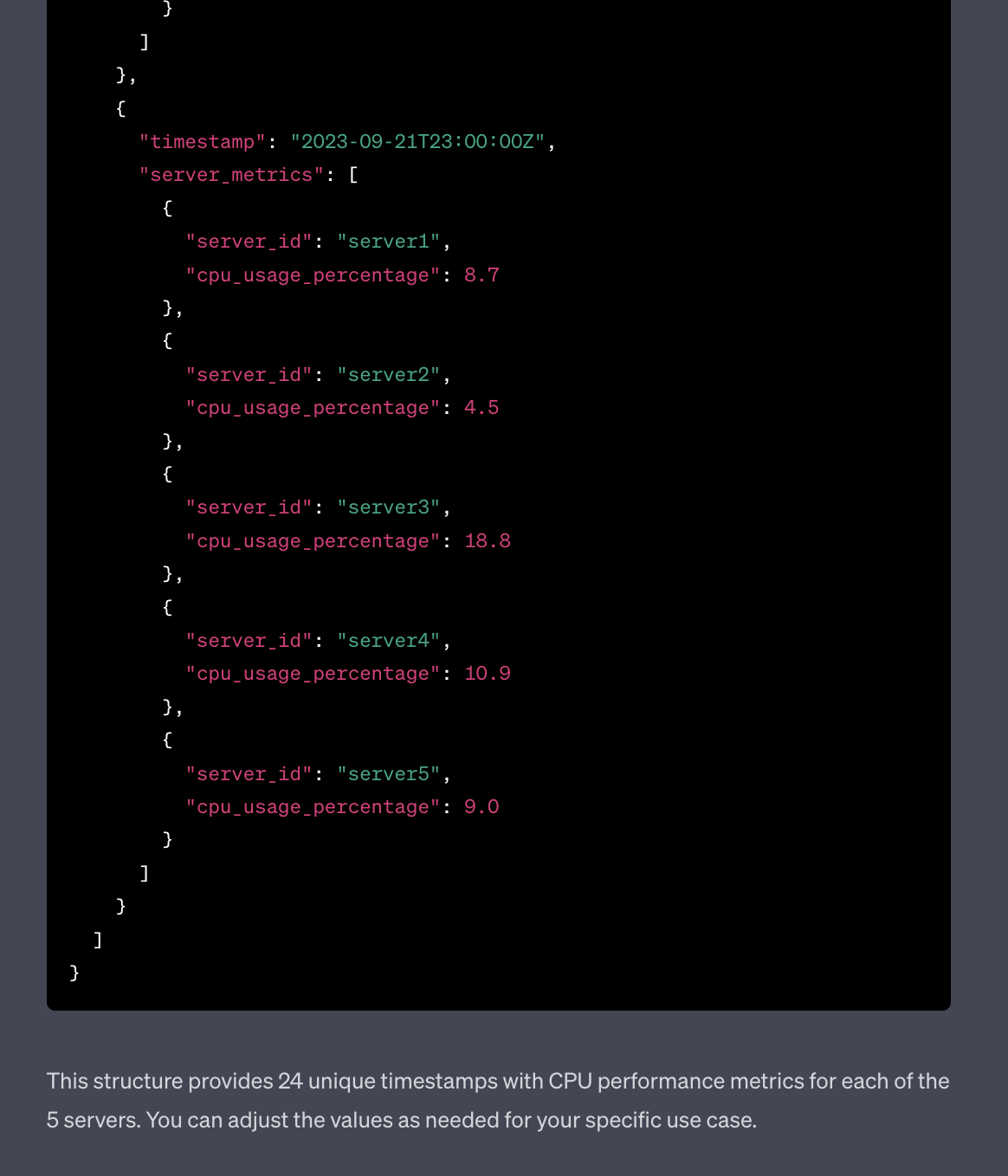
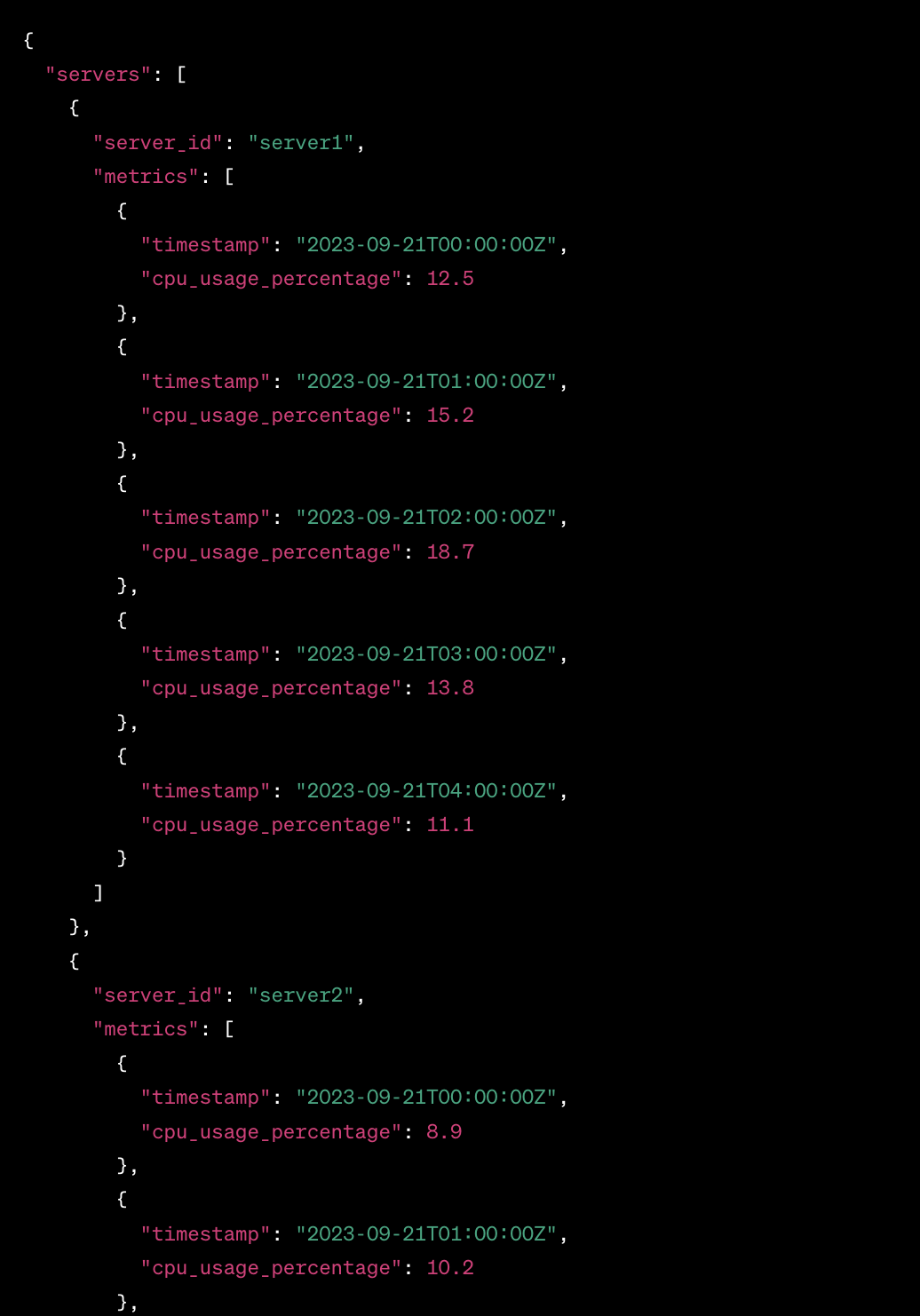
I wanted to get some sample data and was too lazy to use generators or to craft it by hand, so I decided to try and use ChatGPT to generate sample monitoring data.
Started with this prompt
act as an application and infracture monitoring platform synthetic data generator. All you responses need to be in a valid JSON format.
Generate CPU performance metrics for 5 servers over last 24 hours